Today’s project was to improve the workflow I use to move files from Lightroom to Apple Photos. My goal is to keep all of my photos in Lightroom, preferably as RAW files, and to do my editing there – then export the edited photos as HEIC files to Apple Photos so I can look at them easily on all my devices.
Lightroom doesn’t export HEIC files – it will export JPEGs, but they are much larger files. So I export TIFFs (which are HUGE) and run a batch file which uses the sips command to convert them to HEICs, then uses exiftool to set the description on each photo. I tested the workflow on yesterday’s photos, and it worked; then I imported the photos into Photos and that worked, too.
I wanted to clear out the photos I’d just brought in to try something else, so I hit Cmd-A to select them all, then hit the Delete key to make them go away. Unfortunately, I was in the “All Photos” view, so I had just told Photos to delete ALL MY PHOTOS!!
I figured it out when the system put up a progress bar, not something I expected to see. There was no “cancel” button, of course. I force-quitted Photos and reopened it; it hadn’t deleted any photos, so I thought I was OK. Until I tried deleting one picture – and up popped the progress bar again.
I force-quitted Photos again, then I rebooted the machine. When I brought Photos back up and deleted one picture, things seemed OK — until Photos said that the Photos library was corrupt and quit!
A web search revealed how to repair the Photos library (press Command and Option when you open Photos) and about 90 minutes later, all was well (not only did Photos have to repair the library, it also had to validate against iCloud, which took most of the time and didn’t have any kind of reassuring progress bar). All of my pictures survived.
If worst had come to worst, I could have restored the Photos library from Time Machine or Backblaze – but I’m glad I didn’t have to do it.
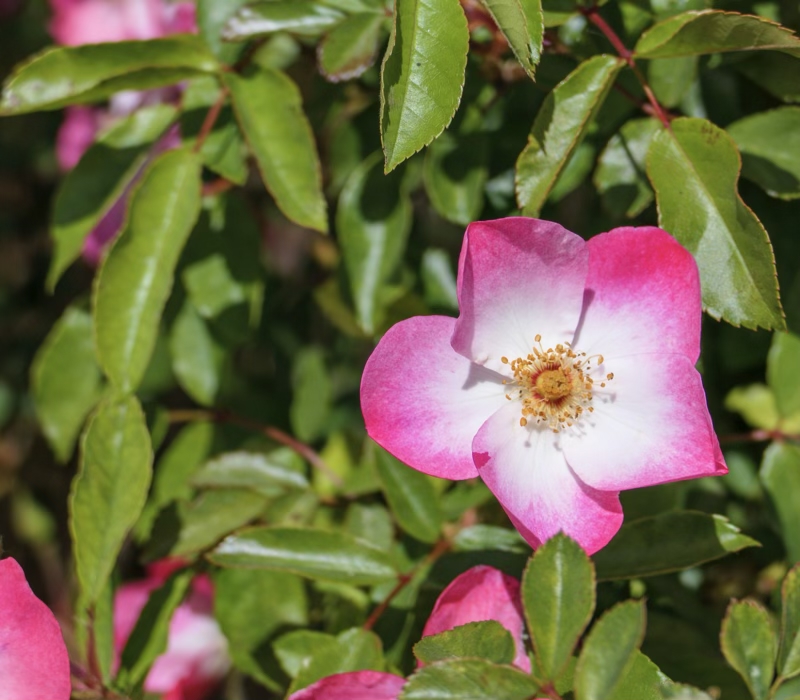
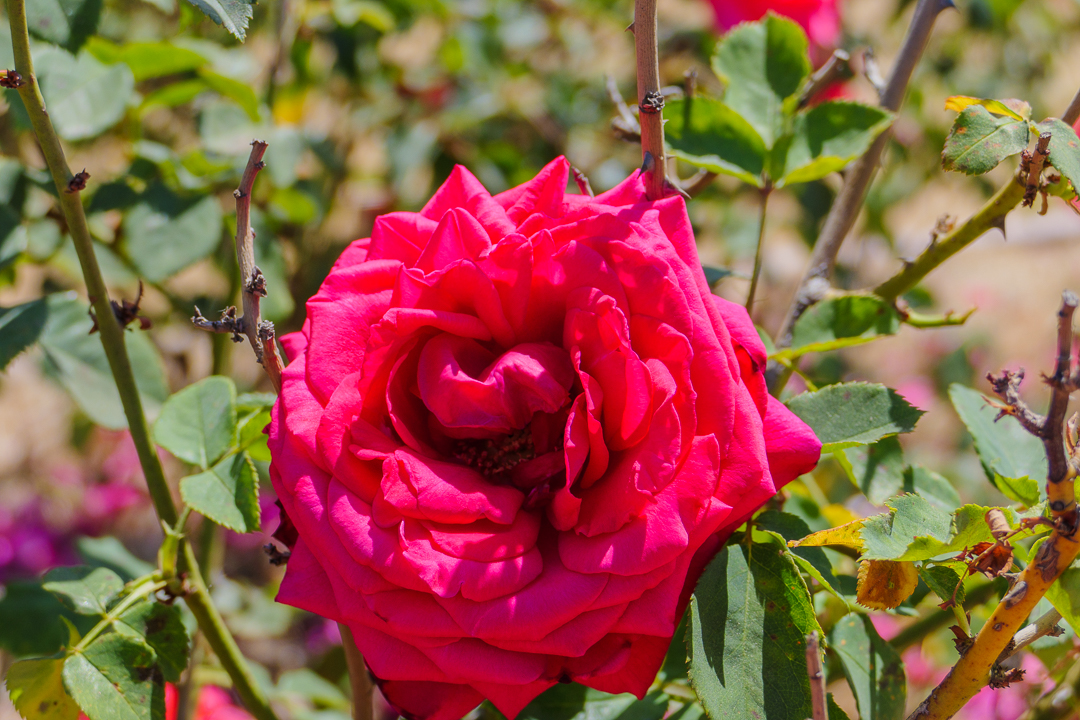
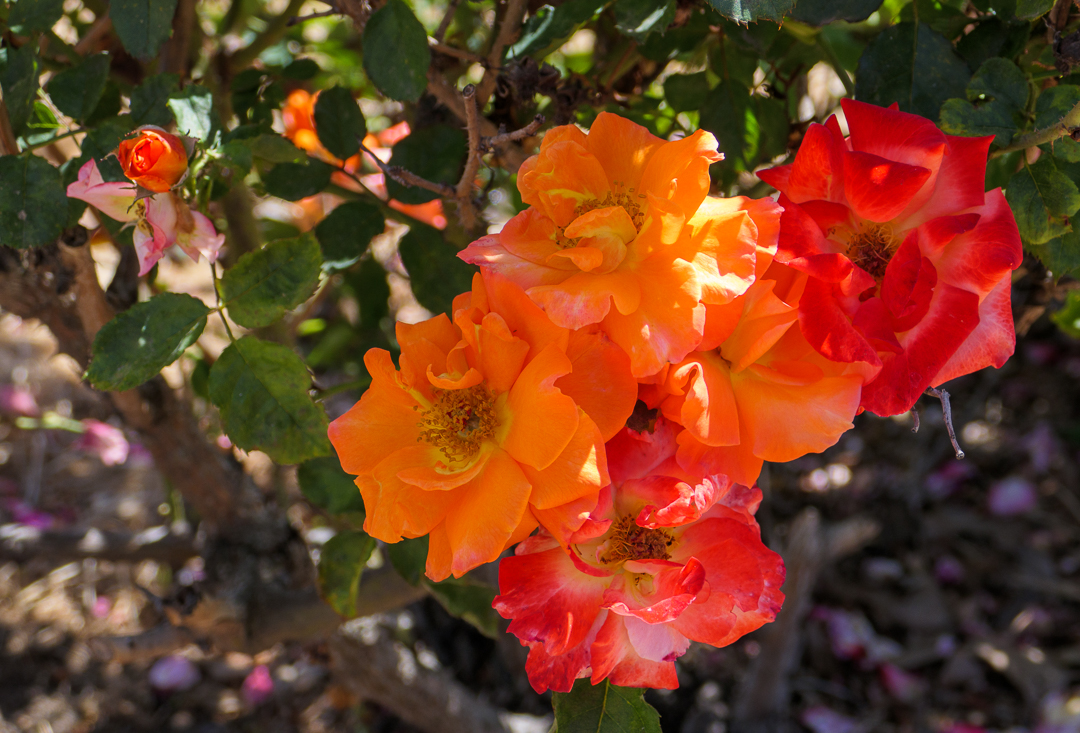
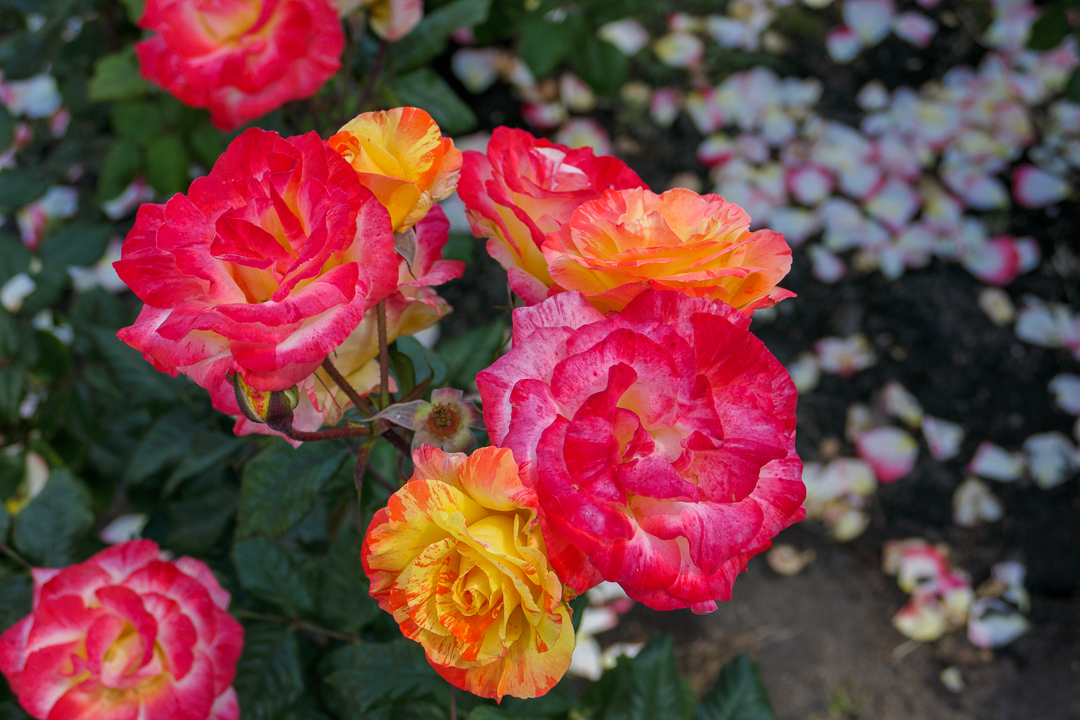
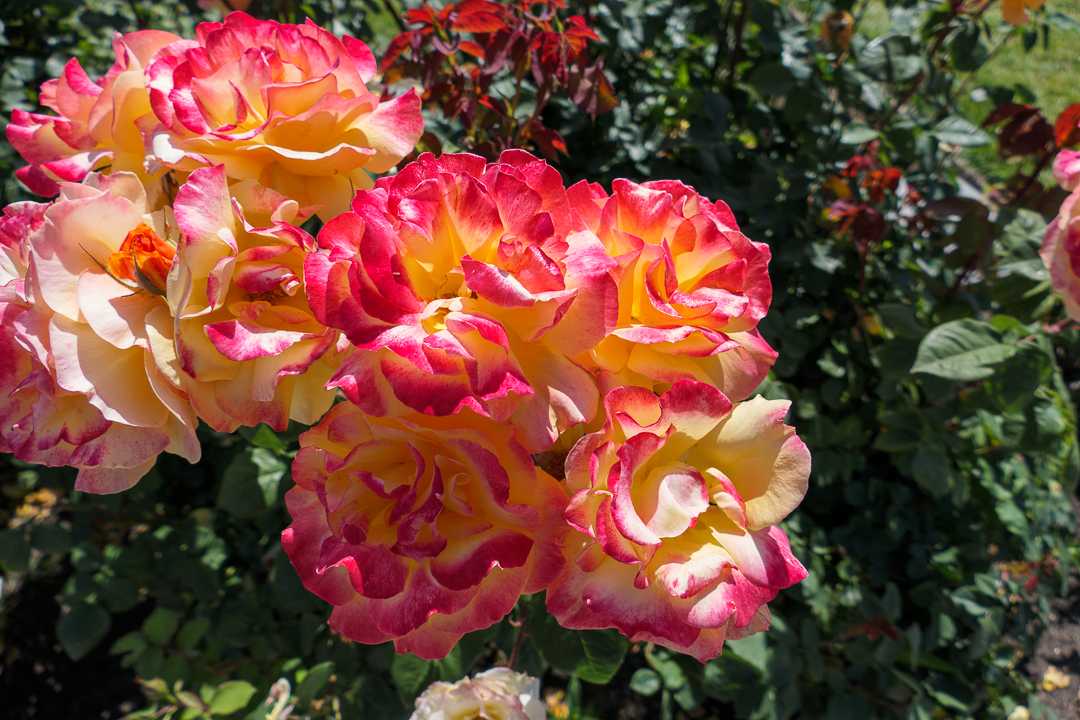
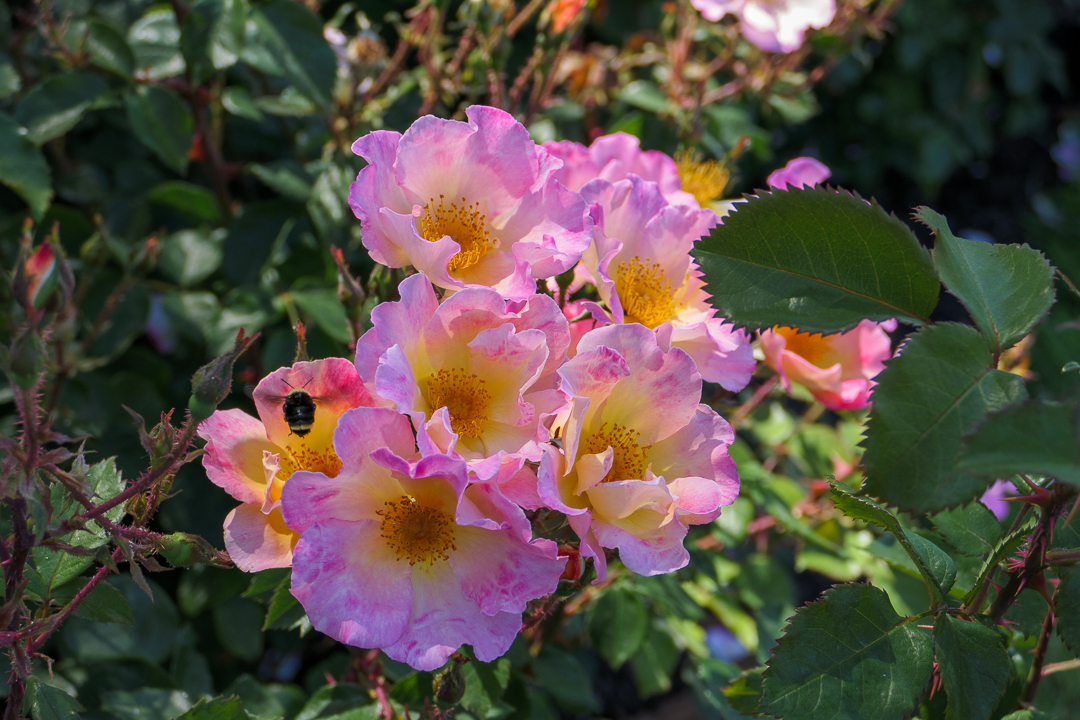
Here’s one last picture from the Heritage Rose Garden.