I had to give a speech at Silicon Valley Storytellers today. I’m on the “Engaging Humor” path, but not all of the speeches have to be funny; I decided to talk about the upcoming election.
No, not about the Presidential election, nor even about any elected office. I talked about the propositions on the ballot. And I didn’t even give my opinion of any of the propositions; instead, I gave a presentation about how to research the propositions instead of relying on the limited information in the Official Voter Guide and the even more limited information in ads.
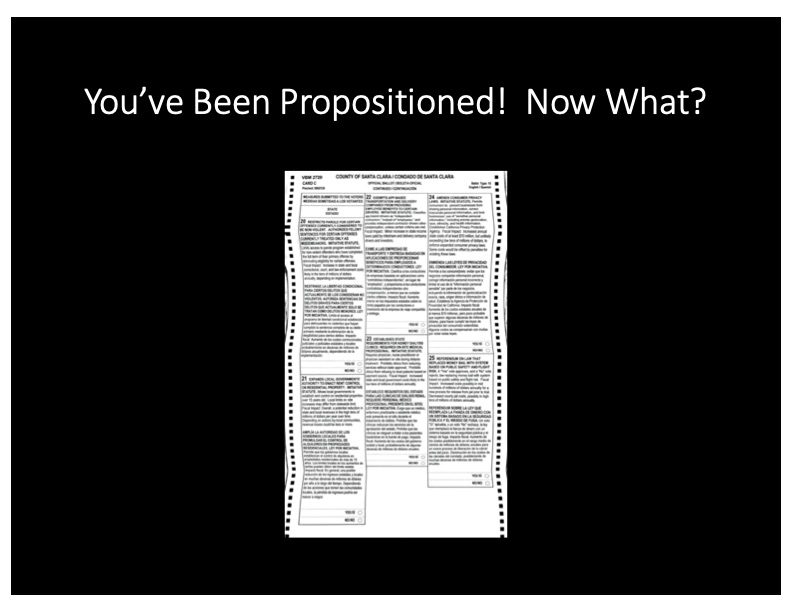
People seemed to find it useful – in fact, I got requests for my slides, so I put them online here.
I did something different in preparing the presentation – normally, I just start creating slides, but this time, I made a mindmap with iThoughts. I reorganized it a few times as I was pulling the presentation together, which would have been difficult in PowerPoint! When I was happy with the mindmap, I exported it to PowerPoint. I still wound up reordering the slides to make more sense as a sequential presentation, but it was pretty easy to get the flow I wanted.
I also experimented with the “Design Ideas” feature of PowerPoint to get away from plain bullet lists – instead, I had pretty bullet lists and boxes. I added pictures to a couple of the slides, and my evaluator suggested I do more of that. I have to give a speech to my other club on Thursday, and I might just reuse this one…with more pictures.