Off to Dallas!

We left today for our Panama Canal cruise (with lots of additional travel in Costa Rica and Panama). There are, unsurprisingly, no non-stops between San Jose CA and San Jose CR, so we’re overnighting at DFW.

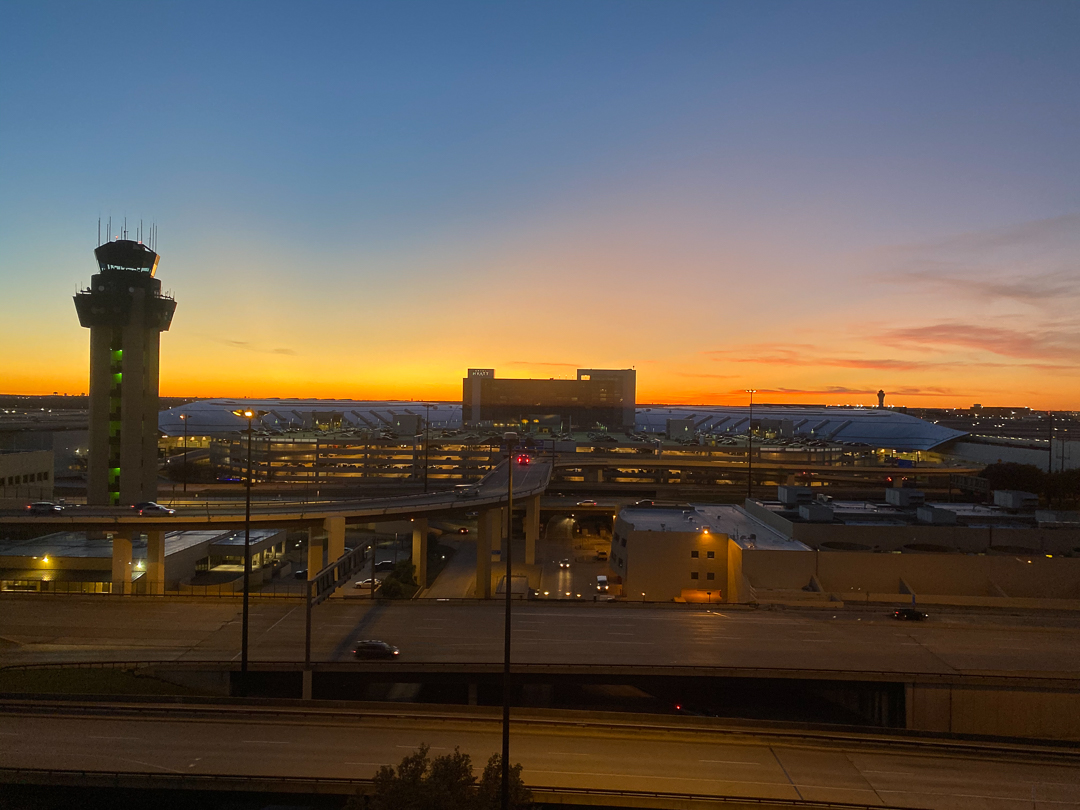
There are two Hyatt Hotels at DFW – the Grand Hyatt inside the airport and the Hyatt Regency “adjacent to Terminal C”. I had enough points for either hotel, but only the Regency was available, so we stayed there. “Adjacent to Terminal C” means that you can walk to the hotel through several parking lots or take the shuttle – we wound up doing both, taking the shuttle with our luggage but then walking back to the terminal through the parking lots to get exercise. It wasn’t a bad walk, but there were lots of stairs, so I’m glad we didn’t have to carry our luggage that way.

The view from our room wasn’t bad, but next time, I think I’ll try to stay on-airport.
Stack Overflow (Ask Different) to the rescue

This is another one of those notes to me-from-the-future, but perhaps it will help someone else, too.

I was trying to install Apple’s Security Update 2019-005 on my old MacBookPro, which is running High Sierra (and can’t go to anything newer). When I tried to install the update, the machine never shut down properly; the display went black except for an arrow cursor, and it would stay that way indefinitely. Strangely enough, I could SSH into the machine while it was in that state and even shut it down – but when it rebooted, it would come up in normal mode without having installed the update.

I tried many things to fix the problem:

  • Turned off Spotlight (sudo mdutil -a -i off) because mds and mdworker processes were using a lot of CPU
  • Booted into recovery mode and ran Disk Utility in case there were any problems (there weren’t)
  • Booted into recovery mode and reinstalled the OS
  • Manually reinstalled Safari 13.0.1

but no matter what I did, the machine still hung when I tried to reboot it.

Eventually, after much searching, I found this Ask Different post and tried the commands it suggested:

sudo rm -rf /var/folders/zz/zy*
sudo shutdown -r now

and it worked – the machine rebooted into the installer, and a few minutes later, the system was up and running at the proper level (build 17G8037).

Thanks, Damian Krawczyk!